
| Condition |
| Body |
| Make |
| Model |
| Mileage |
| Fuel type |
| Engine |
| Year |
| Exterior Color |
| Interior Color |
Most Viewed
Explore more vehicle
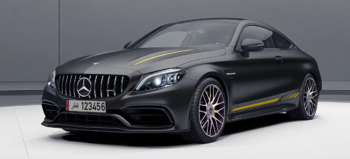
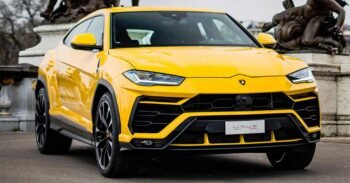
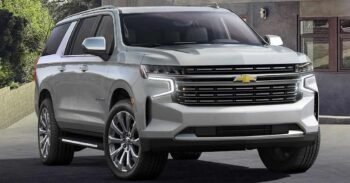
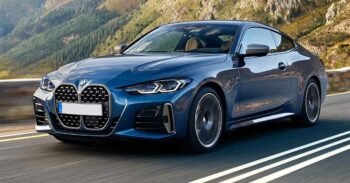

FAQs
Frequently asked questions
How do i book vehicles from Motors website
Booking a vehicle on Motors is simple. Browse through our available vehicles, select your preferred model, and click on the Book Now or Enquire button. Fill in the required details in the booking form and submit it. Our sales team will contact you shortly to confirm availability and guide you through the next steps.
Can i also car insurance from Motors?
Yes, Motors also offers car insurance assistance. Once you book a vehicle, our team can help you choose suitable insurance options from trusted insurance providers, ensuring a smooth and hassle-free process.
I have submitted my car booking, but i want to change the model
No problem. If you wish to change the model after submitting your booking, please contact our support or sales team as soon as possible. Changes are subject to availability, and our team will assist you in updating your booking accordingly.
How do i book vehicles from Motors website
You can book a vehicle by visiting the Motors website, selecting the vehicle you’re interested in, and submitting the booking or enquiry form. After submission, our team will reach out to you to complete the booking process and answer any questions you may have.
Still unsure with your decision?
Our experts are here to assist you with your booking